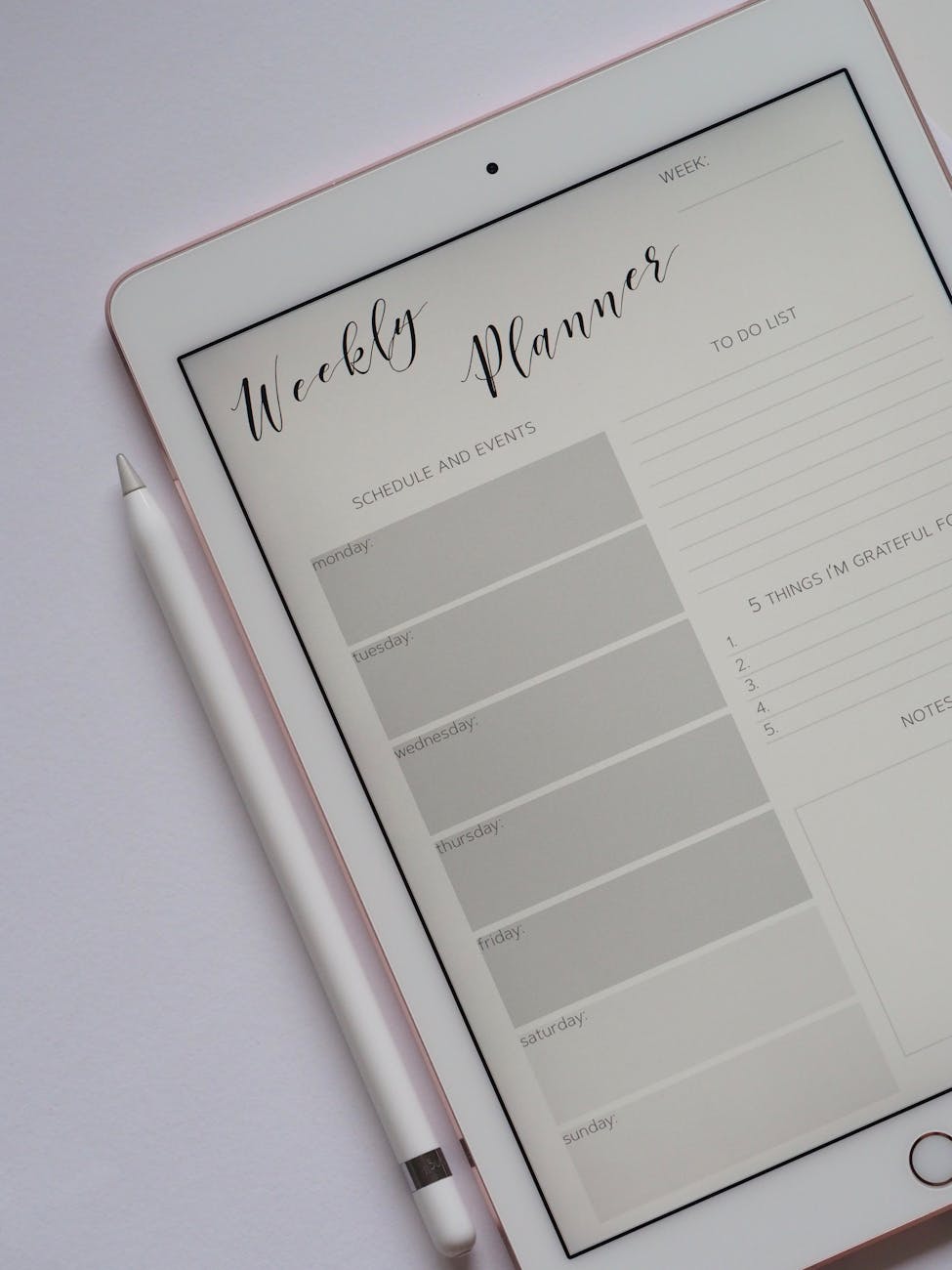
When I first decided to sell digital products on Etsy, I felt both excited and overwhelmed. It seemed easy in theory: upload a file, make a sale, get paid. But the actual process involves nuances and steps many don’t talk about. In this post, I’ll walk you through how to sign up, set up your shop, and list your first digital download — based on what I’ve learned along the way.
Why Sell Digital Products on Etsy
Selling digital products offers advantages: no physical inventory, no shipping logistics, and the potential for passive income over time. As Etsy explains in their seller handbook, digital downloads let you price based on your time and creativity, not on material or shipping costs.
Platforms like Etsy are also well-suited for digital products — many buyers already expect printables, planners, or art downloads. (For reference, Etsy’s own guide covers how to sell digital downloads, including what to consider when pricing your item.)
That said, success won’t come automatically — you still need effort in setup, presentation, and marketing.
How to Sign Up & Create an Etsy Shop
Here’s a step-by-step process (based on my own experience + Etsy’s documentation) for new sellers:
- Create or log in to your Etsy account
Start with a buyer account if you don’t already have one. Then head to Etsy’s Sell page and click “Open your Etsy Shop.” - Set basic preferences
You’ll be asked for your shop’s language, country, and currency. This helps shoppers understand your listings. - Choose your shop name
Make it memorable, brandable, and ideally unique across Etsy. You can’t change it later easily. - Set up payment & billing
Etsy requires info about how you’ll receive payments (bank account) and which card to use for paying Etsy’s fees. - Choose between full-time or part-time seller status and fill required fields
You’ll be asked some questions about your selling plans — part-time vs full-time — to help them tailor resources.
Setting Up for Digital Products (Shop Settings & Policies)
Before listing, there are a few settings and policies you need to configure:
- Shop policies & digital product terms
Clarify your refund policy, usage rights (personal use, commercial, etc.), and how files will be delivered. - Legal considerations & reporting
Etsy must report certain information (such as shop names, addresses, and tax IDs) for Canadian sellers.
Also, while Etsy doesn’t require a business license, local laws may — always check your municipality. - Digital file formats
Upload standard file types like PDF, PNG, ZIP, etc. Make sure your files are prepared and tested before listing.
How to Upload & List Your First Digital Download
Here’s how to list your digital product:
- In your Shop Manager, click “Listings”, then “Add a Listing”
- Choose “Digital” as the product type.
- Upload your file(s) and any supplementary materials (instructions, license files).
- Add high-quality mockups or preview images. (Use mockups to show how the product can be used.)
- Write a clear, descriptive title & description. Include relevant keywords.
- Set your price (taking into account your time, expected volume, and Etsy fees).
- Preview and publish! Your product will be delivered automatically to buyers via download.
Printify’s guide on selling printables has more detail on listing visuals and presentation. printify.com
Tips for Pricing, Presentation & SEO
- Price thoughtfully — Many sellers consider what the physical equivalent might cost plus their time. Etsy suggests factoring in listing and transaction fees when setting your price.
- Use mockups & good visuals — Strong visuals help buyers imagine actual use.
- SEO & keywords — Use your keywords in title, tags, description, and attributes.
- Test & iterate — Try different price points, images, or bundle offers over time.
What to Expect (Earnings, Growth, & Challenges)
It’s common for digital product sellers to see slow starts. In Reddit communities, one user asked: “Is it possible to make $1000 a month selling printables?” The response often was: “not unless your product has a strong niche or unique value.” Reddit
Another concern: oversaturation. Many artists say the market is flooded with generic designs, which makes standing out harder. Reddit
Expect ups and downs. You may get a sale every few days, or weeks of silence. But with testing, quality, and promotion, things can grow.
Next Steps & Related Opportunities
After listing your first product, don’t stop there:
- Promote your listings via Pinterest, Instagram, and your blog
- Build a catalog of complementary products or bundles
- Experiment with other remote income streams like data annotation work from home or consulting
- Track your shop analytics and iterate what works
Final Thoughts
Learning to sell digital products on Etsy is one of those tasks that seems simple until you get started. But once your shop is live, your files can earn indefinitely — no restocking, no shipping. It’s not instant success, but with persistence, testing, and good design, it can be a rewarding path.


Leave a Reply